Works with the AI Agents you already use
 Claude Code
 Cursor
 Codex CLI
 Muse
Muse Dots+22 moreClaude CodeCursorCodex CLIMuseDots
 OpenClaw
 Manus
Manus Grok
Grok Grok Bot+18 agents
Posts Nobody Can Tell Are AI: Claude Writes in Your Voice
Stop posting things that sound like AI. Claude learns your voice, cuts 70+ AI tells, and never invents stories or numbers.
$7

Posts Nobody Can Tell Are AI: Claude Writes in Your Voice
Example session with this skill installed
Last week a client asked me to remove their onboarding screens entirely. Sign-ups went from 31% to 44% in 10 days. I want a LinkedIn post about this.
- Read your context and instructions
- Compiled the posts nobody can
- Generated the UI component
Story
Last week a client asked me to remove their onboarding screens. Not shorten them. All of them.

Ten days later, sign-ups had gone from 31% to 44%.

[what the old flow was, e.g. four swipe-through screens explaining features before sign-up] Now people land on the sign-up form and go.

Every one of those screens made sense when we designed it. That's what makes onboarding hard to question: each screen is somebody's reasonable idea, and nobody adds them up from the side of a person who just wants to try the thing.

Ten days is a short window, so I'm keeping an eye on it. Has anyone removed onboarding and watched what happened after a month or two? I'd like to know if it holds.
The claim
Onboarding screens are easy to add and almost nobody tests removing them.

One of my clients did. They asked me to take out their onboarding entirely, and sign-ups went from 31% to 44% in 10 days.

I'm not going to pretend 10 days settles it. [the metric you're watching next, e.g. week-one retention] is the number I'm waiting on.

But if you're a founder about to redesign your onboarding, try a version with none first. Worst case, you find out which screen actually mattered.
Want an image for this post?
Buyer replies "Yes, make an image for it." The skill makes a simple stat card from the real numbers only:*
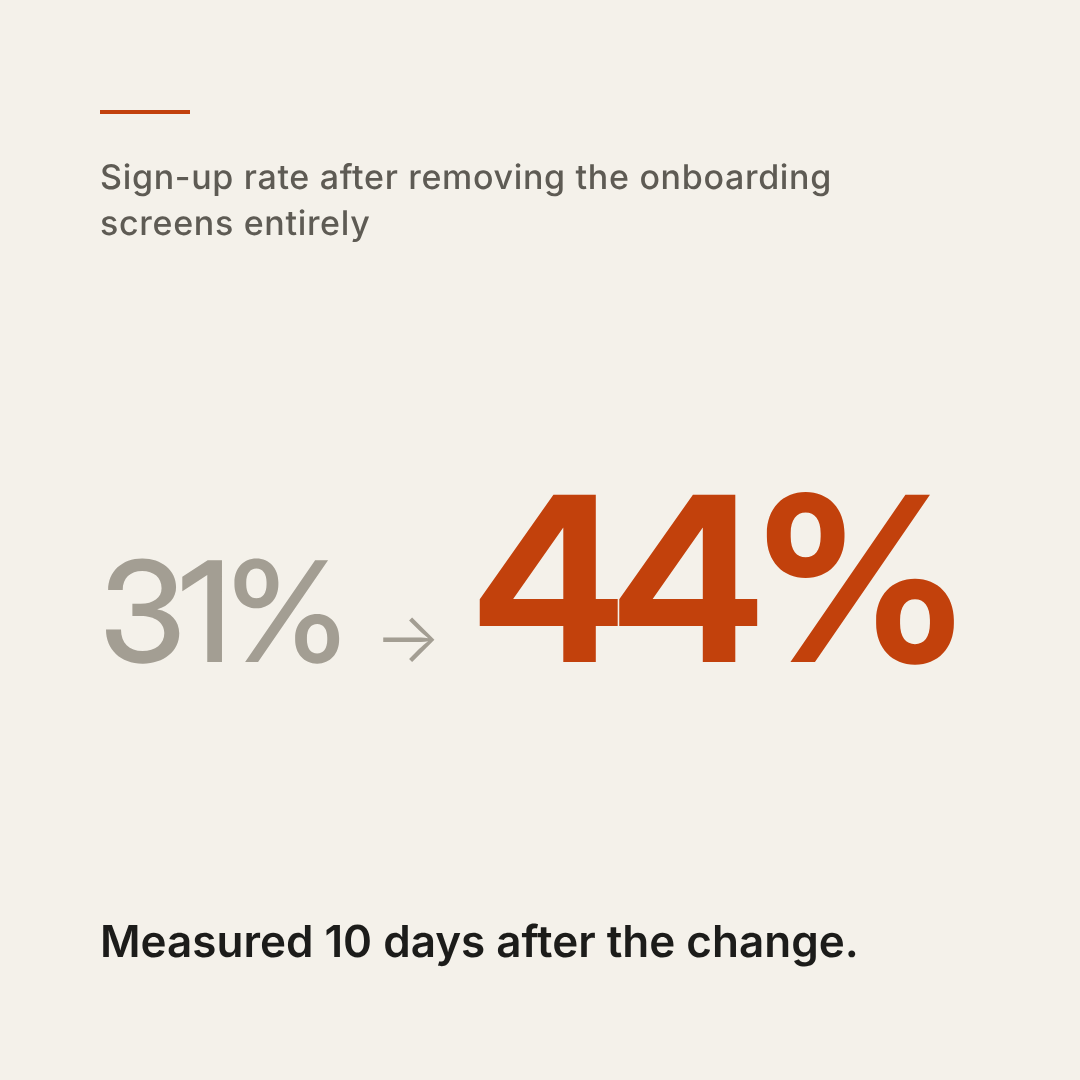
1791105729230-zu43.png
TSX · React component
Example file from a real run - the skill writes it into your workspace.
Connects securely to your tools. The creator never sees your data.
About this skill
AI-written posts are easy to spot. "In today's fast-paced world." Emoji bullets. "It's not just X, it's Y." A wall of hashtags. Readers have learned the pattern, and they scroll past.
This skill makes Claude write posts that sound like a specific person wrote them: you.
HOW IT WORKS
- Learns your voice: paste 3-5 posts you wrote and it builds a short voice card (rhythm, openings, habits, words you never use). Paste the card into any new chat or project and every post sounds like you.
- Starts from something real: a moment, a number, a customer's words. If you give it nothing specific, it asks one question instead of making something up.
- Scrubs 70+ AI tells: stock openers, buzzwords, fake drama, emoji bullets, generic endings. It rewrites them instead of just deleting words.
- Writes natively for each platform: LinkedIn, X threads, Instagram captions and carousels, Threads, Bluesky, Facebook, TikTok captions.
FOUR MODES
- Write: two versions of your post with different angles (story, claim, before/after...)
- Rewrite: paste a draft that sounds like ChatGPT and get it back in your voice, plus one line on what changed, so you learn to spot the patterns yourself
- Repurpose: one article or transcript into a native post for each platform
- Plan: a content calendar that tells you which real material each post needs
RULES IT NEVER BREAKS
- Never invents stories, clients, numbers or testimonials. It leaves a short placeholder instead, because you publish under your own name.
- No engagement bait ("comment YES", fake urgency).
- Images only if you ask: it offers once, and only makes a simple graphic or an image prompt when you say yes.
Works in any language. Tested in Claude with real posts, rewrites, threads, German posts and content plans.
How to use
- 1
Connect your agent to the Agensi MCP
Copy the prompt and paste it into Claude, ChatGPT, Cursor or any agent that supports MCP. It sets up the connection for you. Manual setup
- 2
Sign in to Agensi
Your agent shows a sign-in link. Sign in and click Allow.
- 3
Ask for what you need
Your agent loads this skill and uses it on your task. It always asks before any payment.
Reviews
No reviews yet
Be one of the first to try it. Every listed skill passes our trust checks below.
Security scanned
Passed our 8-point scan before listing
Fresh listing
Recently published to Agensi
Money-back guarantee
Doesn't do what its page promises? You get your money back.
Trust & safety
Security scanned
Verified clean 18 days ago
- Passed all security checks, Safe to install