Disaster Recovery & Continuity Assurance
Build stronger recovery confidence across backups, restoration, shutdowns, resilience testing, and incident learning. This bundle combines continuity-test evidence, disaster-recovery design, backup-commitment audits, customer-data restoration, shutdown data-loss prevention, SRE reliability improvement, chaos engineering, and incident postmortems. Use it when teams need evidence that recovery plans are more than documents and failure paths are deliberately tested.
Works with any agent that signs in to Agensi, such as Claude, ChatGPT, Claude Code, Cursor and Codex CLI.

One payment, lifetime access. 8 skills unlock instantly in your library.
What's included
8 skills
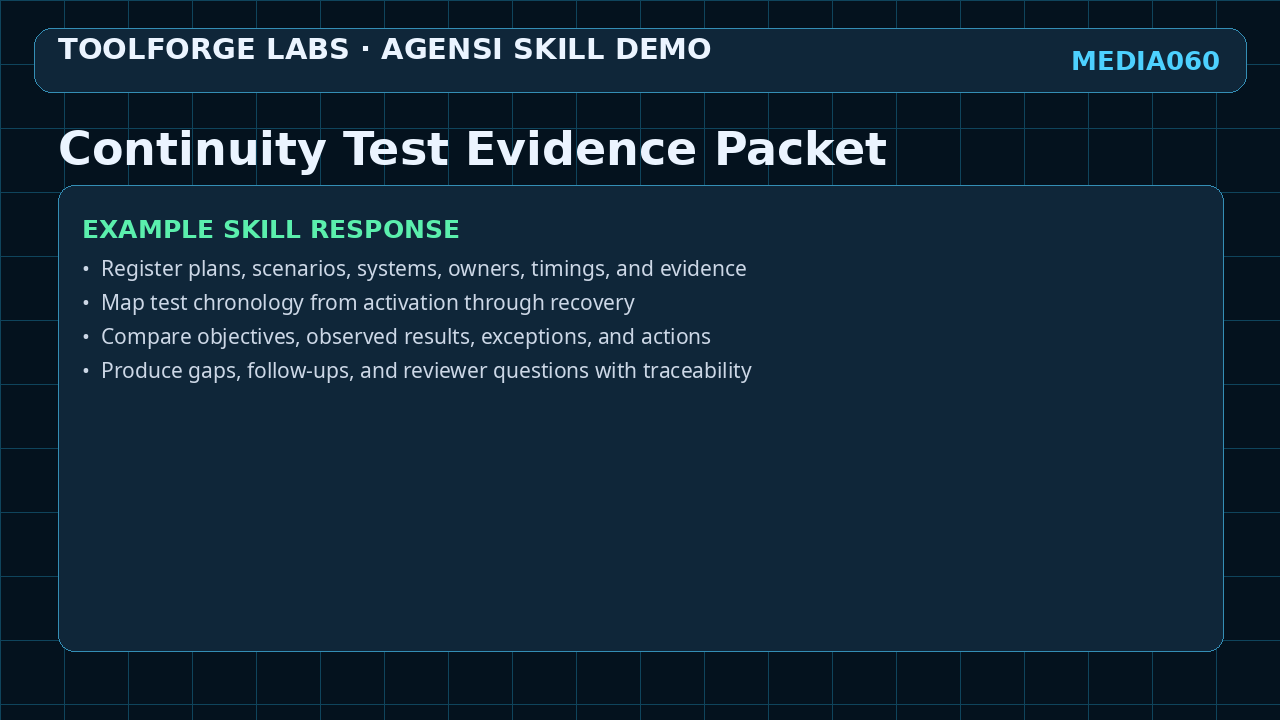
Organize continuity and recovery-test records into a traceable evidence packet with Claude.

Design disaster recovery strategies for critical systems.

Audit SaaS backup and restore commitments against real evidence.

Restore deleted or overwritten SaaS customer data without corrupting live records or recreating revoked access.

Repair apps that lose jobs, events, or writes when containers restart, deployments roll, or processes receive termination signals.

Want to improve your system reliability? This skill analyzes your system and provides SRE-level recommendations to improve uptime, resilience, and fault tole...

Test System Resilience Like a Chaos Engineer.

Need to document a production incident? This skill generates structured incident postmortems with timeline, root cause analysis, impact, and action items. ✔...
See it in action

Continuity Test Evidence Packet
Example session with this skill installed
Create an evidence packet from these DR test logs and the original test charter. Map the failover timestamps against our 4-hour RTO target.
- Read your context and instructions
- Compiled the continuity test evidence
Evidence Packet Summary
- Objective: Regional Failover
- Target RTO: 4h 00m
- Actual RTO: 3h 42m (Verified via Log-04)
- Gap: Manual DNS update took 45m (Action Item #3)
- Evidence: 12 logs, 4 screenshots linked to Section 4.2.
How to use
- 1
Connect your agent to the Agensi MCP
Copy the prompt and paste it into Claude, ChatGPT, Cursor or any agent that supports MCP. It sets up the connection for you. Manual setup
- 2
Sign in to Agensi
Your agent shows a sign-in link. Sign in and click Allow.
- 3
Ask for what you need
Your agent loads these skills and uses them on your task. It always asks before buying a skill.
Reviews
No reviews yet
Be one of the first to try it. Every skill in this bundle goes through our trust checks.
Security scanned
Checked by our 8-point scan before listing
Fresh listing
Recently published to Agensi
Money-back guarantee
Doesn't do what its page promises? You get your money back.